
Exact. Precise. Yours.
The free WordArt.com alternative for high-resolution word art
TextShape fills any shape with your words and exports high-resolution PNG and cut-ready SVG for free — all in your browser, with nothing uploaded to a server.
Free, no watermark, no sign-up — and your words never leave your browser.
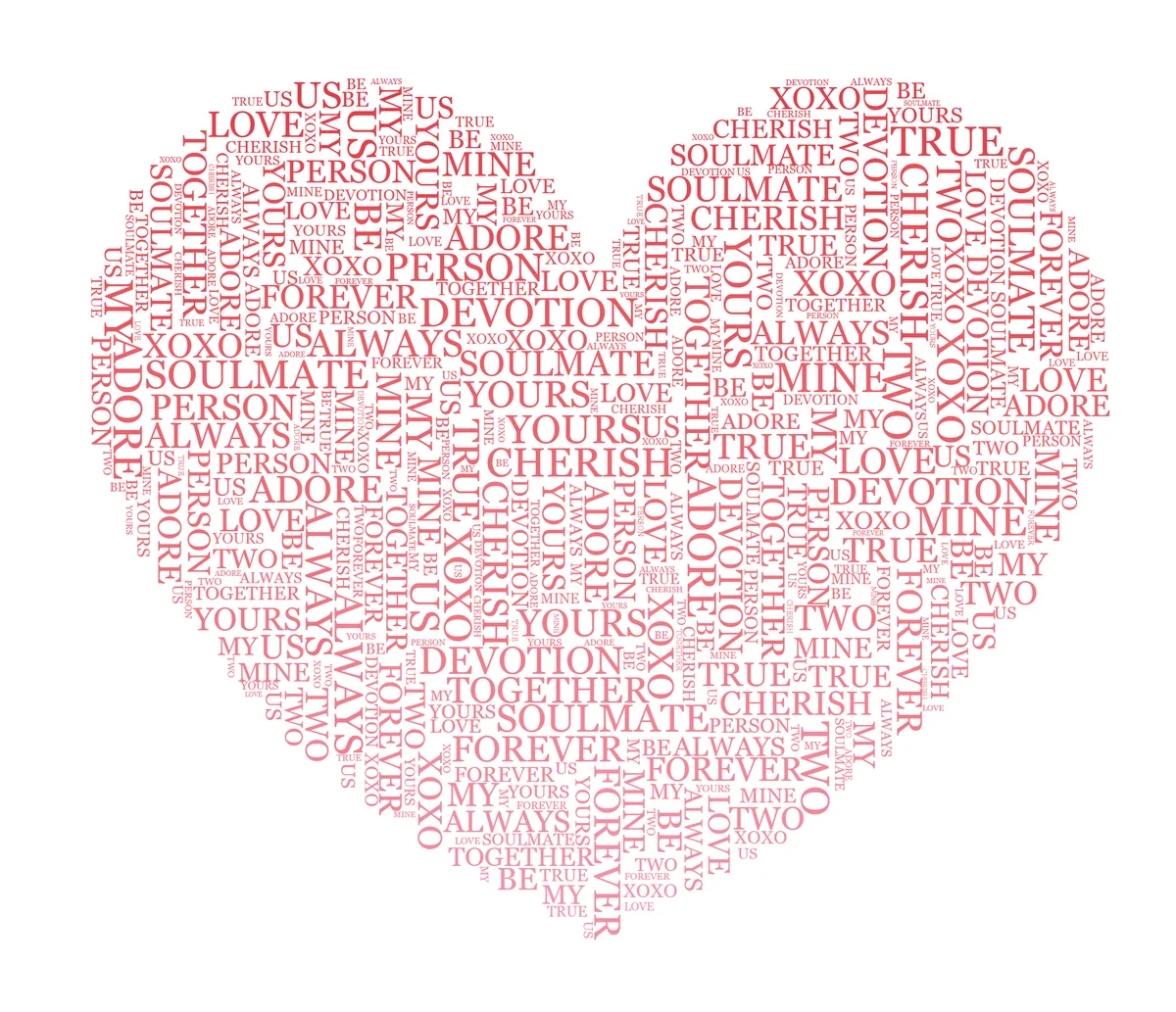
TextShape is a free word cloud generator and word-art maker. WordArt.com — often just called WordArt — is a capable, long-established tool, but its high-resolution and vector (SVG/PDF) downloads and commercial use require a paid plan. TextShape gives you high-resolution PNG up to 4K (custom sizes to 8000px) and cut-ready SVG for free, and it runs locally so your images and text never leave your device.
Why TextShape is a free, high-resolution WordArt.com alternative
Free high-resolution export
Export up to 4K PNG (3840×2160), custom sizes to 8000px, and cut-ready SVG — all free. No paid plan needed to download a high-resolution or vector file.
Private by design
Shape detection, text placement, and export all run in your browser. Your images and words are never uploaded to a server, and no account is required.
The same result every time
The same words and settings always rebuild the same layout, so you can fine-tune a design and reproduce it exactly. What you preview is what you download.
A word-art toolkit, not just a cloud
Two fill engines (readable Flow lines and Packed word-cloud), draggable styled headlines, words-inside-letters, photo→silhouette, animated MP4/GIF reveals, and ancient-script modes.
WordArt.com vs. TextShape: Comparison
How the two line up on the things people actually ask about. Figures for WordArt.com are from its published pricing and help pages (July 2026).
Price to create
Free download resolution
High-resolution & vector export
Commercial-use license
Readable Flow line-fill (not only a word cloud)
Draggable styled headlines (Canva-style effects)
Cut-safe SVG for Cricut / Silhouette
Built-in shape & font library
Animated output
Ancient scripts & esoteric symbols
Works locally in your browser (nothing uploaded)
No sign-up to create
| Feature | TextShape | WordArt.com |
|---|---|---|
| Price to create | Free | Free |
| Free download resolution | Up to 4K, custom to 8000px | ~700×720px free (~5500px on a paid plan) |
| High-resolution & vector export | Free (PNG + cut-safe SVG) | Paid plan (HQ ~5500px, SVG/PDF) |
| Commercial-use license | Free | Paid plan |
| Readable Flow line-fill (not only a word cloud) | Yes | No |
| Draggable styled headlines (Canva-style effects) | Yes | No |
| Cut-safe SVG for Cricut / Silhouette | Yes (welded cut mode) | Paid HQ vector |
| Built-in shape & font library | 200 templates + upload your own | Large built-in catalogue |
| Animated output | MP4 / GIF reveal export | In-canvas animation |
| Ancient scripts & esoteric symbols | Yes | No |
| Works locally in your browser (nothing uploaded) | Yes | Cloud service |
| No sign-up to create | Yes | Yes |
At a glance: TextShape is a free WordArt.com alternative that exports high-resolution PNG (up to 4K) and cut-ready SVG at no cost, entirely in your browser. WordArt.com is free to create with, but its free download is about 700×720px and its high-resolution and vector files require a paid plan.
WordArt.com details verified July 2026 from WordArt.com's pricing page. TextShape figures reflect its current free editor.
When WordArt.com might suit you better
WordArt.com is a polished, long-established tool with a very large built-in library of shapes and fonts and simple in-canvas animations, and its standard-quality downloads are free for personal use. If you mainly want a classic word cloud from a big shape catalogue and a ~700px image is enough, it does that well. TextShape is the better fit when you want free high-resolution and vector exports, private in-browser processing, reproducible layouts, and creative options like readable Flow fills, styled headlines, cut files, and script modes.
Weighing your options? Browse 200 templates across 13 collections or read our wordclouds.com alternative comparison.
How to make word art from any shape
- 1
Pick a shape
Choose from 200 templates across 13 collections, or upload your own logo or photo — TextShape traces the silhouette to fill.
- 2
Type your words
Add your text and, with a leading *, feature the words that matter so they render large; sizes can also follow word frequency.
- 3
Export in high resolution
Fine-tune the layout, then download a free 4K PNG (custom to 8000px) or a cut-ready SVG — or put it on merch.
WordArt.com alternative — FAQ
Is TextShape a free alternative to WordArt.com?
Yes. TextShape is free to use with no account and no watermark, and — unlike WordArt.com, whose high-resolution and vector downloads require a paid plan — it exports high-resolution PNG up to 4K (and custom sizes to 8000px) plus cut-ready SVG at no cost.
Is WordArt.com free?
WordArt.com is free to create with and to download in Standard Quality (about 700×720 pixels) for personal, non-commercial use. High-resolution images (about 5500×5500 pixels), vector SVG/PDF files, and commercial use require a paid plan — one-time image packs (roughly $4.99 for one image up to $33.99 for 25) or an unlimited subscription (roughly $29.99/month to $299.99/year), per its pricing page in July 2026. TextShape exports high-resolution PNG and SVG for free.
What resolution can I download for free?
Up to 4K (3840×2160), or a custom size up to 8000px on the long edge, as a transparent, solid-color, or image-backed PNG. WordArt.com's free Standard Quality download is about 700×720 pixels; its high-resolution ~5500px files are a paid feature.
Do my images get uploaded to a server?
No. TextShape does shape detection, text placement, and export entirely in your browser — your images and words never leave your device, and no sign-up is required.
Can TextShape do more than word clouds?
Yes. Besides packed word-cloud layouts, TextShape has a Flow engine that lays words in readable lines following the shape's contours, a draggable styled-headline layer, a 'words inside letters' mode, a photo→silhouette tool, animated MP4/GIF reveals, and ancient-script writing (runes, Ogham and more).
Can I use my designs commercially?
Yes — what you preview is what you download, to use however you like. WordArt.com restricts its free tier to personal, non-commercial use and sells commercial licensing with its paid plans.
Is there a word limit, and can I paste a list?
You can type or paste as much text as you like, or use Import words to bring in a list or CSV. TextShape can size words by how often they occur, and a 4K (or custom 8000px) export stays crisp at large print sizes like posters.
Make your word art now
Free, fast, and yours — no signup, no download limits, no watermarks.
Open Editor