
Exact. Precise. Yours.
The free wordclouds.com alternative with two layout engines
wordclouds.com is a great free word-cloud utility. TextShape is a free word cloud generator that does the same core job — your words packed into any shape — and adds a readable Flow engine, styled headlines, cut-ready files, and a touch-friendly editor.
Free, no watermark, no sign-up — and your words never leave your browser.
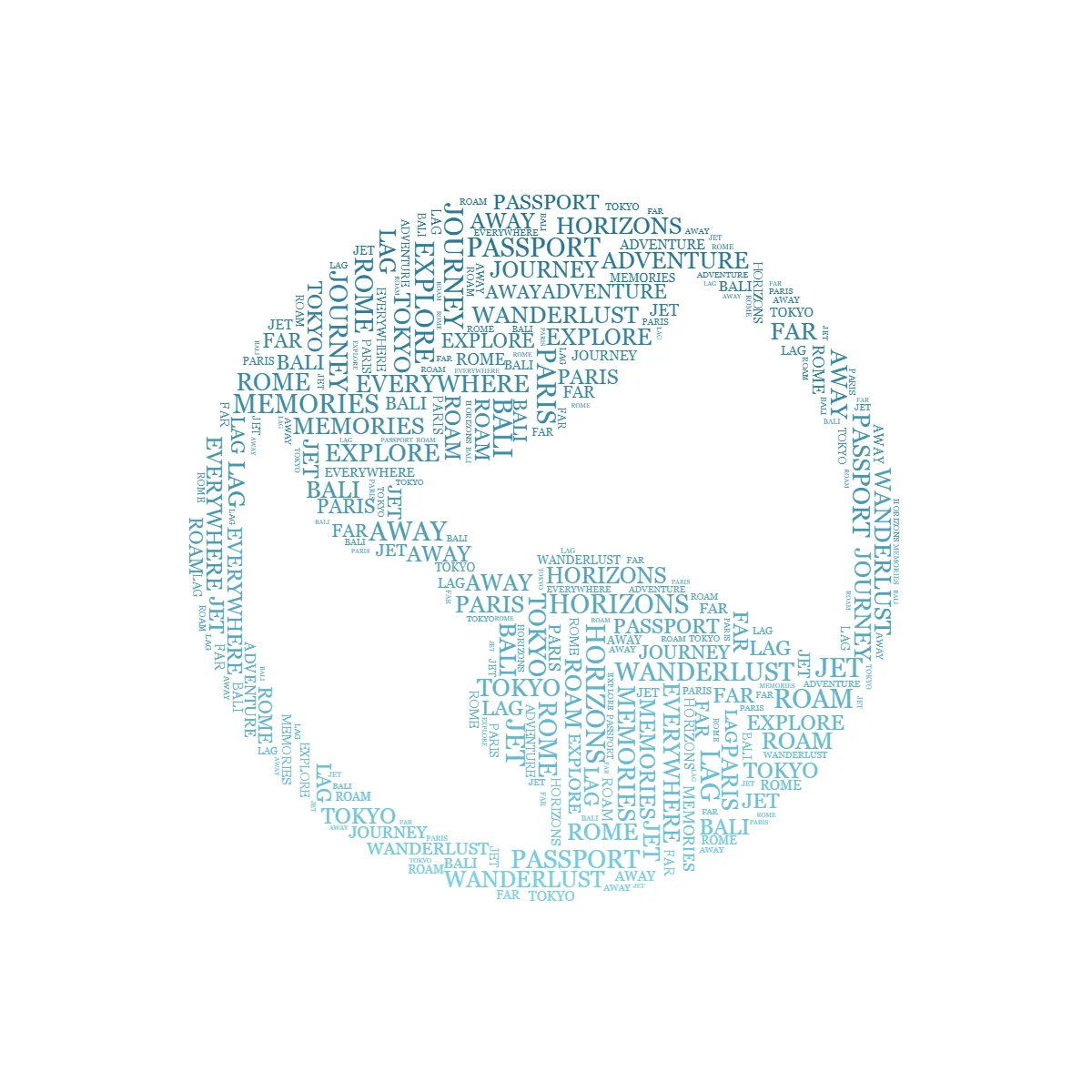
Both tools are free, work in your browser, and let you fill a custom shape with your words. Where they differ is breadth: wordclouds.com is a focused word-cloud utility with deep text-import tools, while TextShape is a word-art maker with two layout engines and more ways to style and export the result.
What TextShape adds over wordclouds.com
Two layout engines
wordclouds.com packs words like a cloud. TextShape does that too — and adds Flow, which lays your words in readable lines that follow the shape's contours for a legible, poster-style look.
More than a word cloud
Draggable styled headlines with Canva-style effects, a 'words inside letters' mode, multi-stop gradient color, text that warps along a curve, and 200 templates across 13 collections.
Cut-safe SVG & styled reveals
Export a welded, single-color SVG cut file for Cricut and Silhouette, and a styled animated reveal (pop, rise, or line-by-line) as MP4 or GIF for Reels and TikTok.
Touch-friendly, mobile-first editor
A clean, touch-friendly editor with swipe controls, pinch-zoom, a dark theme, and predictable undo/redo.
wordclouds.com vs. TextShape: Comparison
Both are free, no-account, in-browser tools — so this focuses on layout, design range, and export. (wordclouds.com features per its site, July 2026.)
Price / account
Runs in your browser
Packed word-cloud layout
Readable Flow line-fill (follows contours)
Draggable styled headlines (Canva-style effects)
Words-inside-letters (text as the shape)
Cut-safe SVG (welded, for Cricut/Silhouette)
Max export resolution
Animated reveal export
Ancient scripts & esoteric symbols
Word import from URL / PDF / Office docs
Clickable / linked word export
Built-in shape & font library size
Touch-optimized mobile editor + dark mode
| Feature | TextShape | wordclouds.com |
|---|---|---|
| Price / account | Free, no account | Free, no account |
| Runs in your browser | Yes | Yes |
| Packed word-cloud layout | Yes | Yes |
| Readable Flow line-fill (follows contours) | Yes | No |
| Draggable styled headlines (Canva-style effects) | Yes | No |
| Words-inside-letters (text as the shape) | Yes | No |
| Cut-safe SVG (welded, for Cricut/Silhouette) | Yes (cut mode) | Standard SVG |
| Max export resolution | 4K / custom 8000px | High-resolution |
| Animated reveal export | Styled MP4/GIF (pop/rise/line-by-line) | Video export |
| Ancient scripts & esoteric symbols | Yes | No |
| Word import from URL / PDF / Office docs | Paste & CSV | URL, PDF, Office + CSV |
| Clickable / linked word export | No | Clickable HTML export |
| Built-in shape & font library size | 200 templates + upload | Very large |
| Touch-optimized mobile editor + dark mode | Yes | No |
At a glance: Both TextShape and wordclouds.com are free, in-browser word cloud makers. TextShape adds a readable Flow layout engine, styled headlines, welded cut-safe SVG, and MP4/GIF reveals; wordclouds.com is stronger for importing words from URLs, PDFs, Office files, and CSV, and for clickable-HTML export.
wordclouds.com details verified July 2026 from wordclouds.com. TextShape figures reflect its current free editor.
When wordclouds.com might suit you better
wordclouds.com is an excellent free utility, and it's genuinely stronger for word DATA: it can pull words straight from a URL, a PDF, or an Office document, import and export CSV, and produce a clickable HTML word cloud with per-word links. It also ships a very large built-in library of shapes and fonts. If your job is 'turn this document or web page into a quick, data-driven word cloud', reach for it. TextShape is the better fit when you care about the finished piece as art — a readable Flow layout, styled headlines, cut files, script modes, and a modern editor on any device.
Weighing your options? Browse 200 templates across 13 collections or read our WordArt.com alternative comparison.
How to make a word cloud in any shape
- 1
Pick a shape
Start from 200 templates across 13 collections, or upload any image — TextShape traces its silhouette for the cloud to fill.
- 2
Paste or import your words
Type text, paste a list, or import a CSV. Packed mode sizes each word by how often it occurs, so the common ones lead.
- 3
Generate and export
Switch between Packed and readable Flow, then export a free 4K PNG, a welded cut-safe SVG, or an MP4/GIF reveal.
wordclouds.com alternative — FAQ
Is TextShape a free wordclouds.com alternative?
Yes. Like wordclouds.com, TextShape is free, needs no account, and runs in your browser. It adds a second layout engine and a broader set of design and export tools on top of the classic word cloud.
Is wordclouds.com free?
Yes — wordclouds.com is free with no account, and so is TextShape; both run in your browser. The difference is scope: TextShape adds a readable Flow layout engine, styled headlines, cut-safe SVG, and animated reveals on top of the classic word cloud.
What can TextShape do that wordclouds.com can't?
Its Flow engine lays words in readable lines that follow the shape's outline (not only a packed cloud), plus a draggable styled-headline layer with Canva-style effects, a welded cut-safe SVG mode for Cricut and Silhouette, a styled MP4/GIF reveal, and ancient-script writing.
Can I still make a normal word cloud?
Yes. Packed mode is a spiral word-cloud that fills any shape edge to edge with glyph-level collision, sized by word frequency if you like — the same job wordclouds.com does, in a modern editor.
Does wordclouds.com do anything TextShape doesn't?
Yes — it's stronger for importing word data: it extracts words from URLs, PDFs, and Office documents, imports and exports CSV, and can produce a clickable HTML word cloud. TextShape focuses on the finished design rather than document ingestion.
Which should I use?
For a fast, data-driven cloud from a document or web page, wordclouds.com is great. For a high-resolution piece of word art — readable Flow layouts, headlines, cut files, animations — with a touch-friendly mobile editor, use TextShape.
Make your word art now
Free, fast, and yours — no signup, no download limits, no watermarks.
Open Editor