
Exact. Precise. Yours.
Turn your words into shape-perfect art
Your words, any shape. Type them, pick a heart, a paw print, or your own logo, and TextShape fits every word inside it edge to edge — instantly, pixel-perfect, no AI guesswork.
Free, no watermark, no sign-up — and your words never leave your browser.
See the transformation
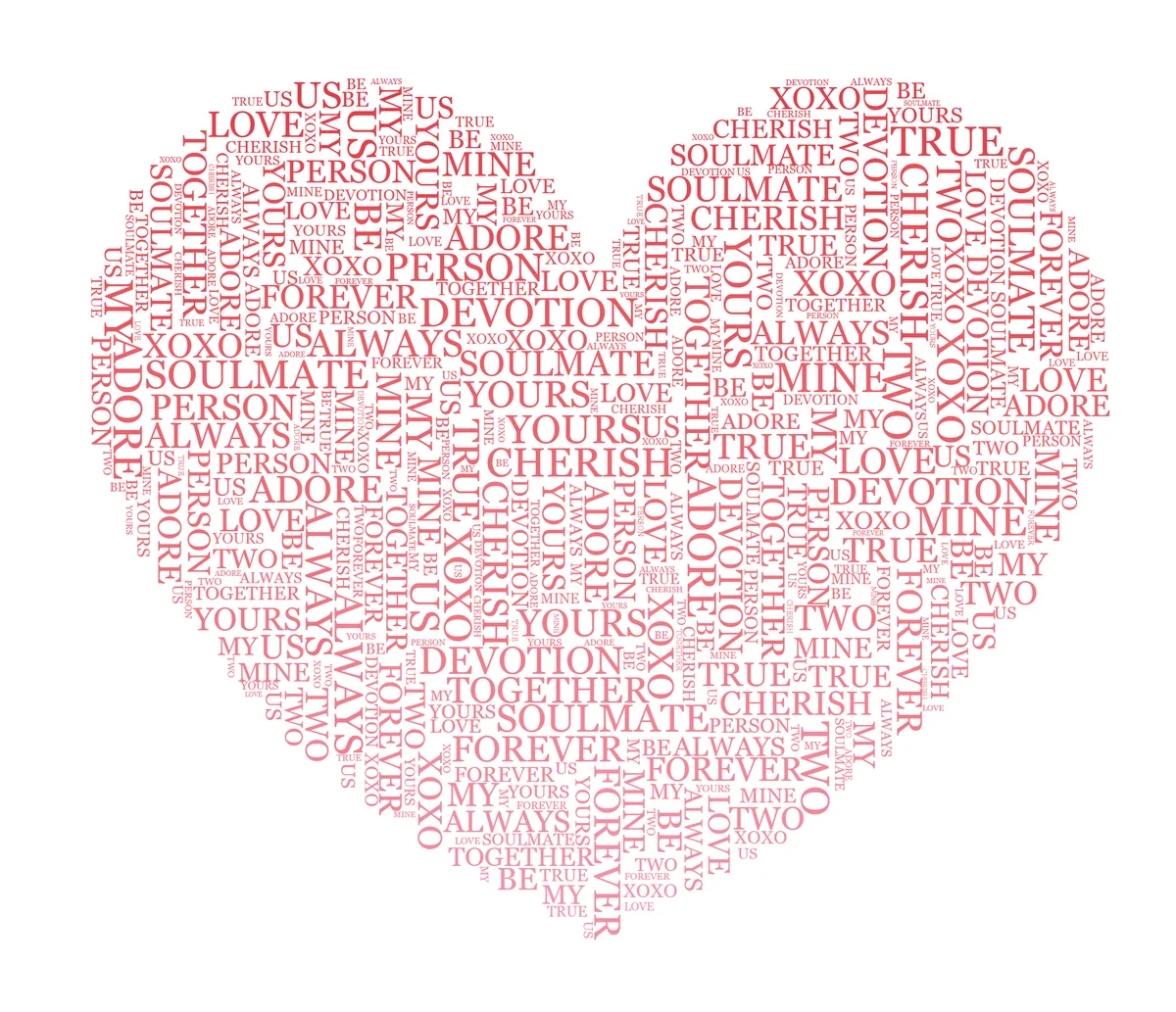
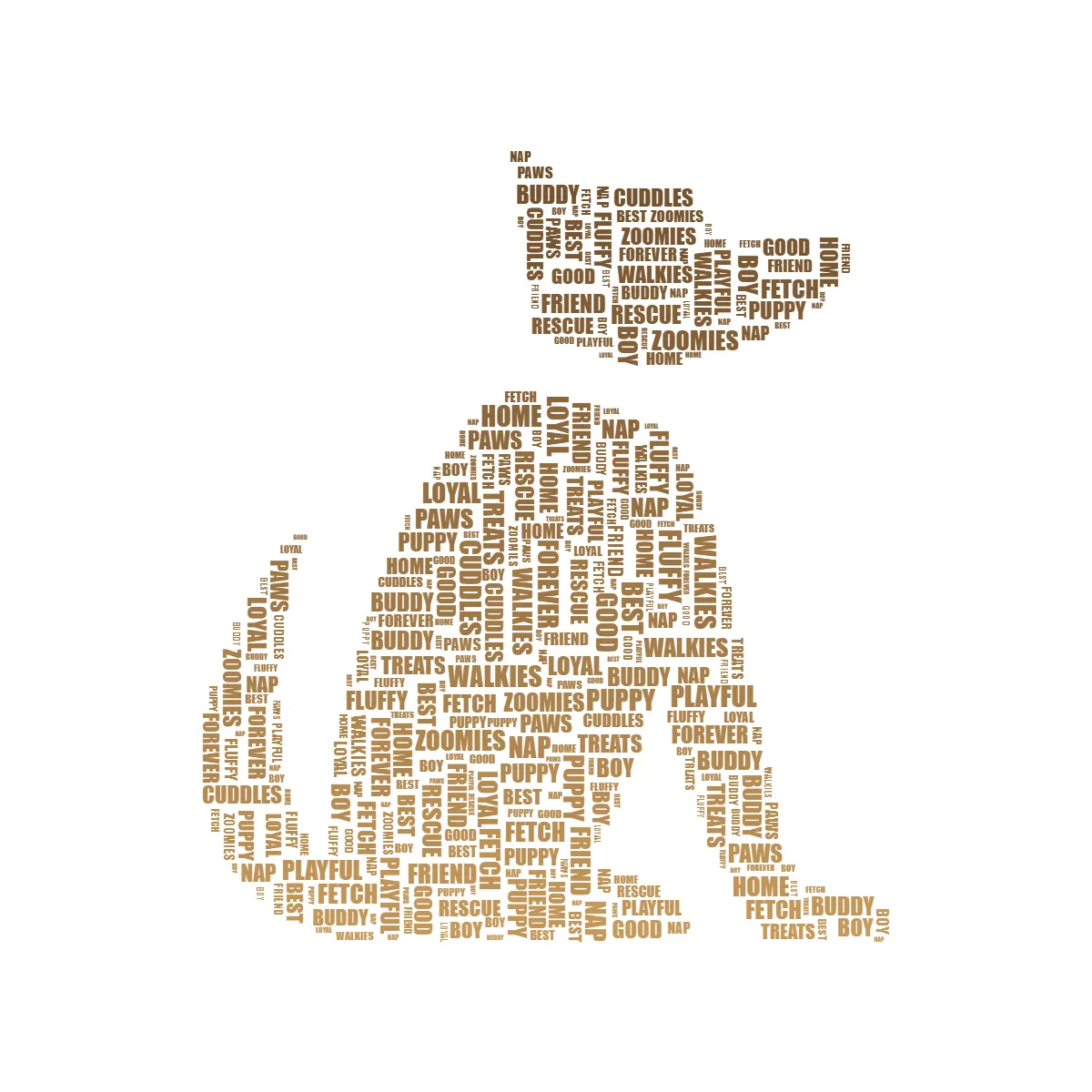
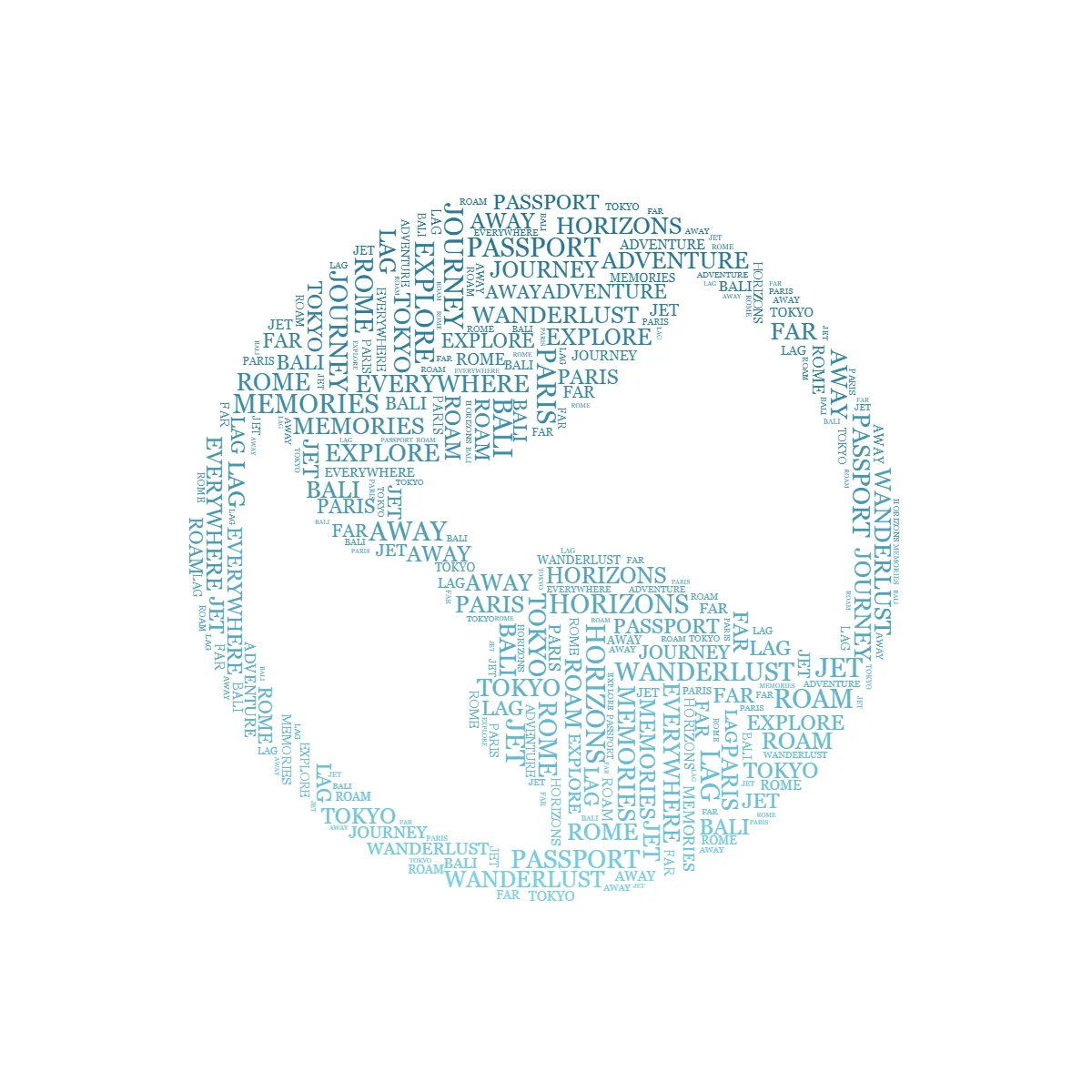
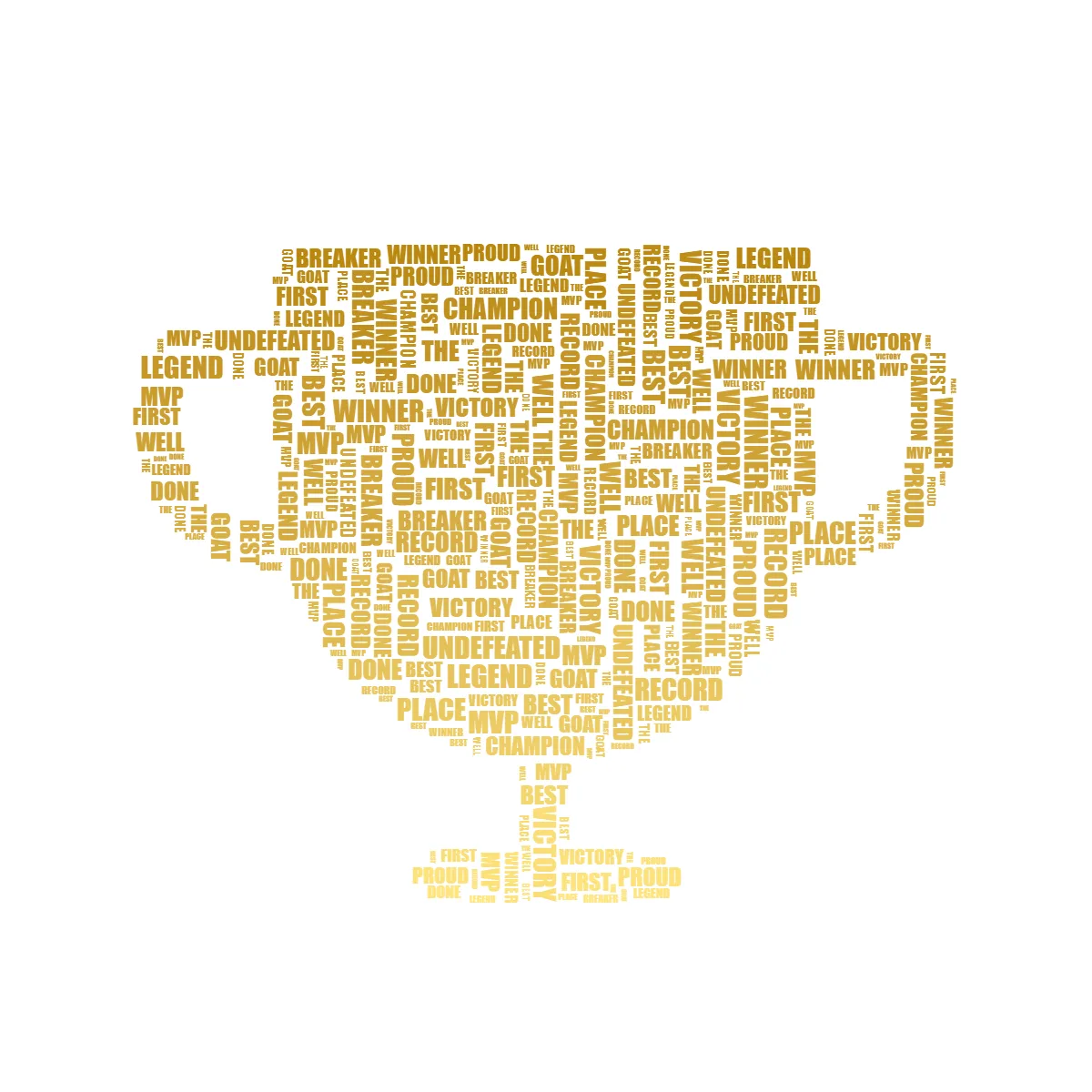
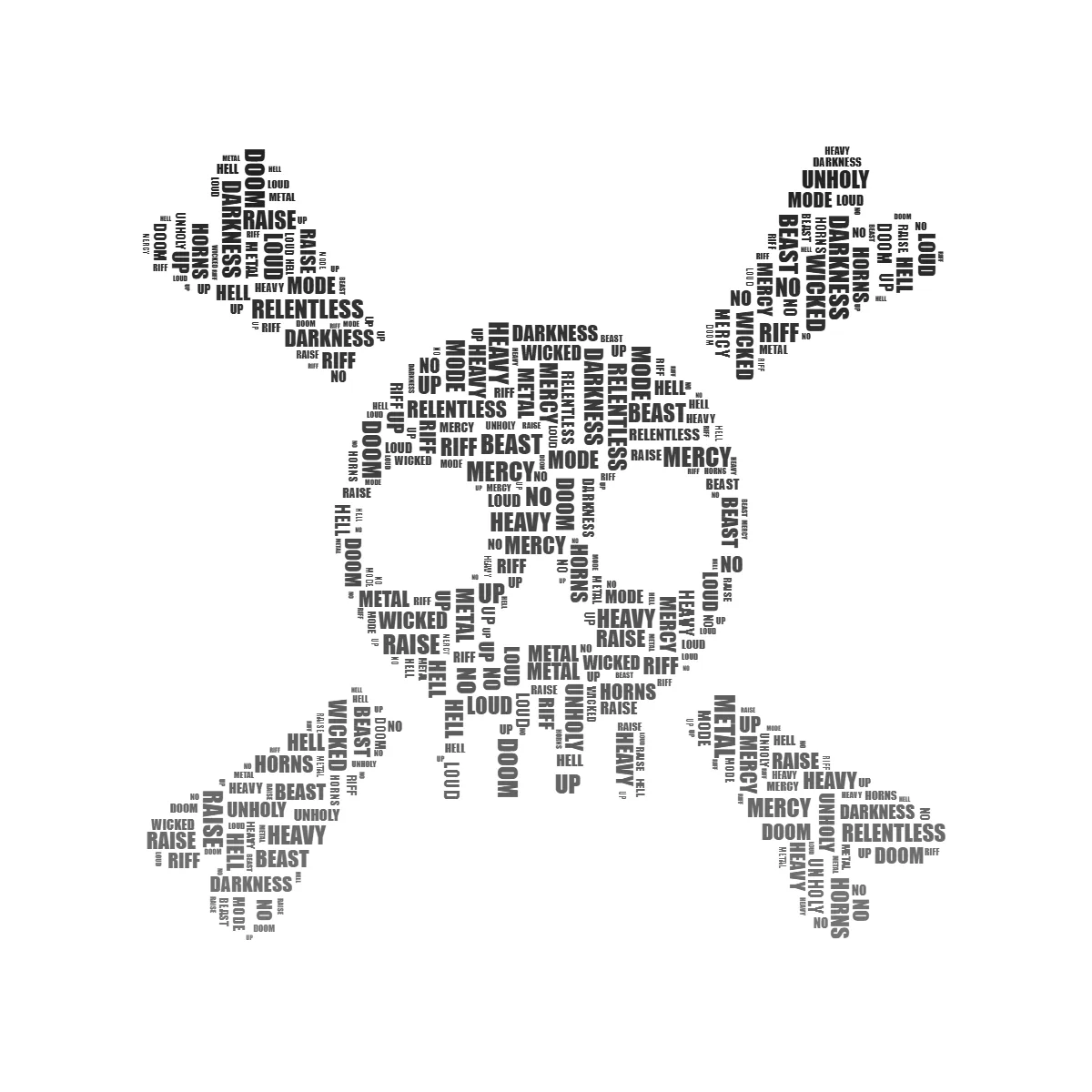
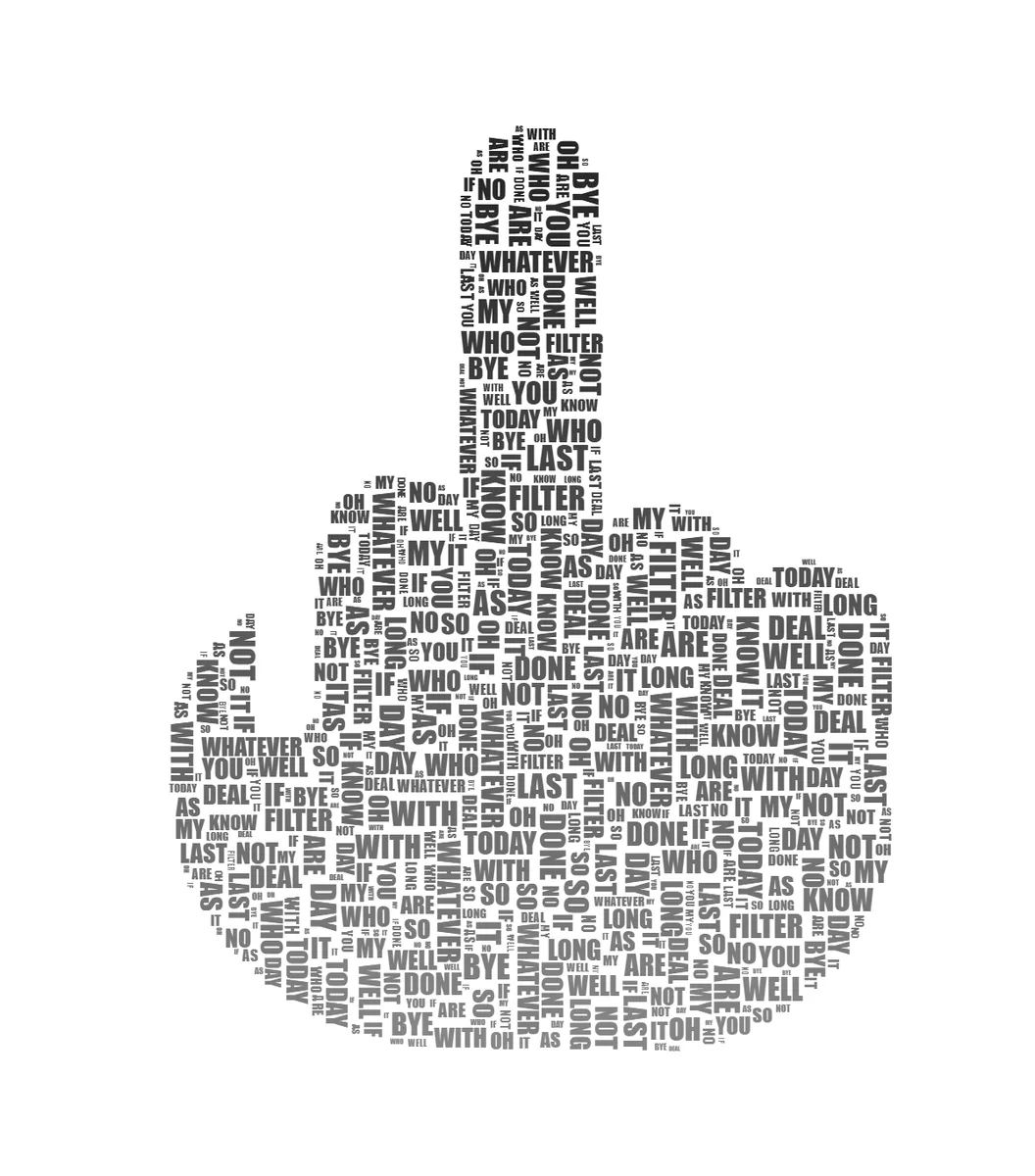
Real designs, made right in the editor — a shape goes in, your words fill it edge to edge. No AI, no guessing.
Why TextShape?
Exact. Precise.
No AI randomness. Your text fills shapes with mathematical precision every time.
Instant Results
See changes in real-time. No waiting for AI generation or cloud processing.
Export Ready
High-resolution PNG export up to 4K. Perfect for print and social media.
How it works
Create stunning text art in 4 simple steps. No account required, no software to install.
Upload your image
Click "Change Image" or drag and drop any image with a clear shape. PNG images with contrasting backgrounds work best.
Enter your text
Type or paste the text you want to fill the shape. The algorithm will automatically fit your words within the detected boundaries.
Customize your design
Adjust font, size, color, and effects. Apply gradients, rotation, or highlight special words for emphasis.
Export your creation
Click download to save your design as a high-resolution PNG. Choose dimensions up to 4K for print-quality output.
Start with a template
Choose a shape to get started, or upload your own image for complete creative freedom.
Frequently asked questions
What is TextShape?
TextShape is a free, browser-based text art generator that fills any shape with your words. Instead of the unpredictable output of AI image generators, it uses a deterministic algorithm — the same settings always produce the same result. Upload an image or pick a template, type your text, and export your design.
Does TextShape use AI?
No — and that's the point. TextShape places your words with a deterministic algorithm, so the same text and settings always produce the same result. There's no AI guessing, no random variation between runs, and nothing is generated on a server — you stay in full control of the layout.
What's the difference between the Flow and Packed fill styles?
Flow lays your words out in readable lines that follow the shape's contours — best when you want the text to stay legible. Packed arranges them like a word cloud: the biggest words land first and smaller ones interlock to fill every gap, edge to edge — best for a dense, artistic look. You can switch between them anytime in the Text tab.
Is TextShape free to use?
Yes. TextShape is completely free — no account, no watermarks, and no usage limits. You can export high-resolution designs without signing up or paying.
Can I use my designs commercially?
Yes. Your designs are yours — free to use however you like, including for commercial projects, with no attribution required. TextShape is completely free, so if it helped you, a shout-out or a coffee is always appreciated — but never required.
What image formats are supported?
You can upload PNG, JPG, WebP, and SVG images. PNGs with a transparent background work best, because the shape is detected from the image's transparency. If your image has a solid background, use the built-in background removal first so the shape is detected cleanly.
How do I remove the background from my image?
The editor has a one-click background remover that isolates your shape from a solid backdrop, plus an erase brush for cleaning up stray areas by hand. A clean, transparent silhouette is what lets the words fill the shape precisely, so it's worth tidying the image before you fill it.
Why isn't my text filling the shape the way I expect?
It usually comes down to the silhouette and the words. Make sure your shape has a transparent background (use the background remover or the erase tool) and is a solid, contrasting form rather than a faint or busy photo. Then give the algorithm more to work with: add more — and shorter — words, since small words slot into tight corners. In Packed mode, "Mixed" orientation lets words rotate to fill awkward gaps, and "Shuffle layout" generates a fresh arrangement so you can keep the fullest one. In Flow mode, the "Keep text inside shape" toggle trades a little edge coverage for staying neatly within curves.
What shapes and templates can I use?
Start from the built-in template gallery — hearts, stars, skulls, speech bubbles, and more — or upload any image and TextShape will detect its shape. Any clear silhouette works, so you can fill logos, letters, animals, or your own artwork with words.
How do I export my design?
Click the export button (or press Ctrl+S / Cmd+S) and pick a size — up to 4K (3840×2160), or set a custom width up to 8000px. You can export a transparent PNG, a solid-color background, or your original image behind the text, and there are one-click presets for common social media sizes.
Can I print my designs?
Yes. Export a high-resolution PNG — up to 4K (3840×2160) — which suits posters, cards, invitations, stickers, and framed prints. For the sharpest result, export at the largest size your printer or print shop accepts.
Can I share my design?
Yes. On phones and browsers that support it, a Share button hands the exported PNG to your device's share sheet so you can send it to any app; everywhere else you can download the PNG. Your design's settings are also encoded in the page URL, so copying the address-bar link lets someone reopen your design ready to edit. Everything happens in your browser — nothing is uploaded to our servers.
Is my data private?
When you use the editor, your images are processed entirely in your browser and are never uploaded to our servers — shape detection, text placement, and export all happen locally on your device. No account or personal information is required to create and export a design.
Can I use TextShape on mobile?
Yes. TextShape works in modern mobile browsers and the editor adapts to small screens. A larger screen and a mouse make fine adjustments easier, so many people prefer desktop for detailed work, but mobile is great for quick designs and previewing templates.
Guides & tutorials
Step-by-step walkthroughs for making word art you'll actually want to print, share, or give as a gift.
How to Make Word Art: A Free Generator That Uses Your Real Words
Make word art free in your browser. Fill any shape with your own words, pick a readable or word-cloud look, color it, and download a 4K PNG. Follow one birthday example from blank shape to finished print.
TutorialHow to Make a Word Cloud in Any Shape (Free)
Make a word cloud free in your browser. Paste your text, let word frequency size the words that matter, and pour the cloud into any shape (a heart, an animal, a logo) at up to 4K. No sign-up, no watermark.
IdeasAnniversary & Wedding Word Art Gifts You Can Make Yourself (Free)
A personalized anniversary or wedding print sells for about 40 dollars on Etsy. Make one yourself free in minutes: word-list recipes for anniversaries, weddings, and engagements, plus how to print and frame it.
IdeasPet Word Art: Turn Your Pet's Name Into a Keepsake (Free)
Fill a dog, cat, or paw-print silhouette with your pet's name and the words only your household uses. A free keepsake, plus a careful guide to a pet memorial piece. Nothing you type leaves your device.
IdeasNursery Word Art: Free Personalized Baby Room Prints
Turn a baby's name, birth stats, and a few soft words into free nursery word art. Includes copy-paste word banks and a baby-shower group-gift workflow, made entirely in your browser.
TutorialBest Fonts for Text Art: A Typography Guide
The best fonts for word art are heavy, even-weight faces; fine scripts fade when words shrink. A hands-on guide to choosing among the fonts TextShape ships, with the same words shown in a script and a bold face so you can see the difference.
Inspiration10 Creative Text Art Ideas for Social Media
Ten social post ideas built from your own words, each shown as a real export with the word list used. Birthday, graduation, music, pet, and wedding, plus story and Reel framing.
Made something you love?
TextShape is free, and I build it on my own. If it helped you make something, a quick review or a coffee means a lot.
Ready to create something precise?
Start with a template or upload your own shape. It's free to use.
Open editor