
Nursery word art turns a baby's name, birth stats, and a few soft words into one framed print for the room. A new baby arrives with a handful of details worth keeping: the name you spent months choosing, the date and time they finally showed up, the weight the nurse read out, the words you kept whispering at 3 a.m. Those are what go into the print, with the name large in the middle and the birth stats, lullaby words, and wishes packed around it.
You can make one free in your browser with TextShape. There's no account and nothing to install, and because it runs on your own device, the name and birth details you type never leave it. Pick a shape, paste in your words, choose soft colors, and export a print-ready PNG.
Why word art works in a nursery
A nursery print has to work at two distances. From the doorway you see the shape: a cloud, a moon, a star. Up close, during a feed or a slow rock back to sleep, you read the words. You get both from one frame.
It also ages better than most nursery decor. Animal decals and pastel themes get outgrown. A child's name, birth date, and the words their family picked for them don't.
Shapes that suit a baby's room
Four templates fit a nursery without much fuss:
- Cloud: soft and neutral, pairs with dream and sky words.
- Moon: the bedtime shape, a crescent filled with goodnight words to hang over the crib.
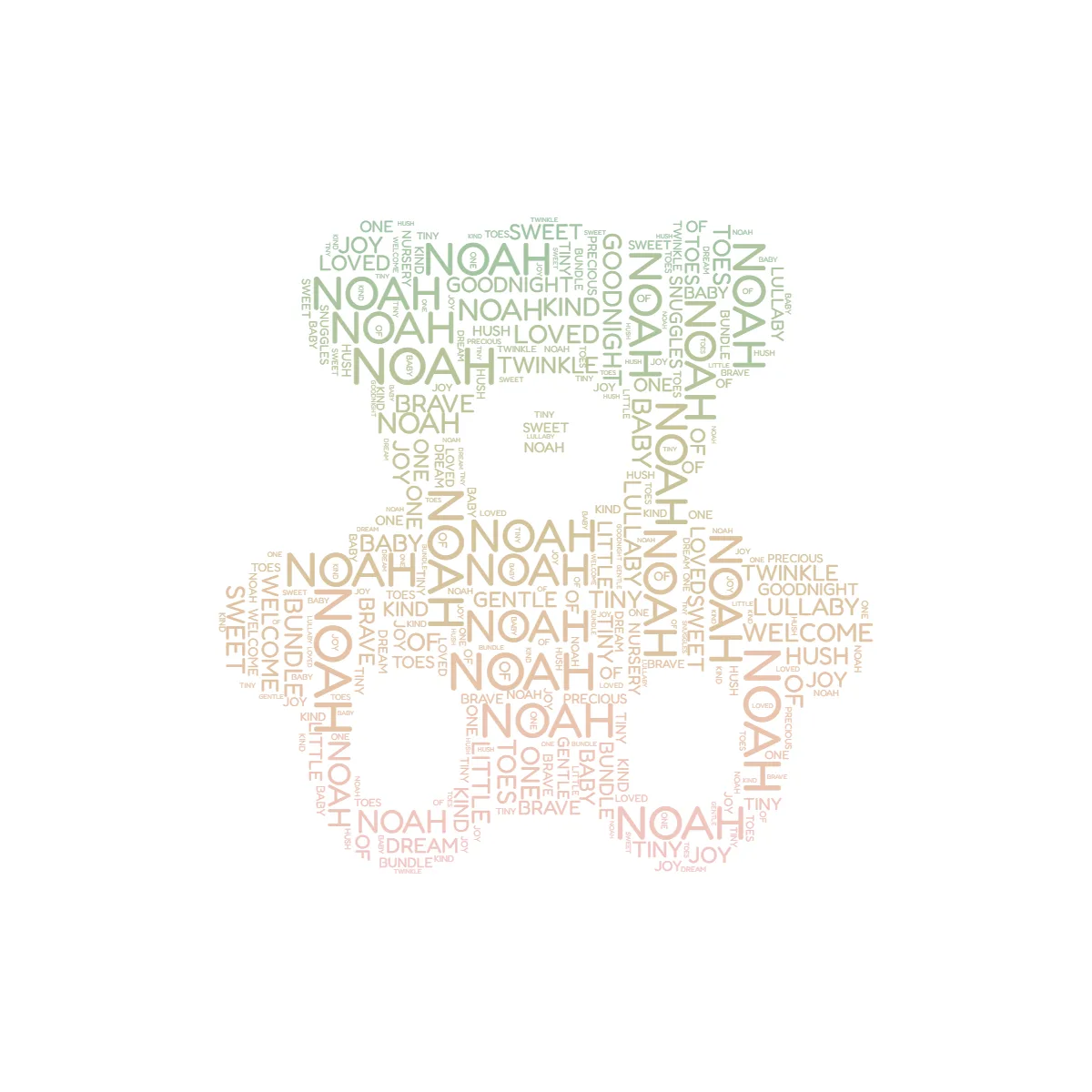
- Teddy bear: the classic silhouette, rounded enough that even a short word list fills it evenly.
- Star: simple and graphic, good on its own or as three small prints in a row.
You can compare the whole baby set in the editor. If none fit your room, upload your own silhouette instead (an elephant, a bunny, or the baby's first initial typed very large and screenshotted); the main guide covers what makes a silhouette fill cleanly.
Word banks you can paste in
The shape catches the eye. The words carry the meaning, and picking them is where people stall, so these three lists are ready to paste into the editor and trim down.
Start with the name. Star it so it renders largest and the rest arranges around it (the asterisk trick is explained in the main word art guide). One starred name is usually enough.
Then the birth stats. This is what turns a nice print into a birth-announcement keepsake. Fill in the blanks:
```
[Full name]
[Nickname]
Born [Month Day, Year] at [time]
[Weight], [Length]
[City or hospital]
```
A lullaby and bedtime list, for the soft filler that sets the mood:
```
hush, dream, twinkle, lullaby, goodnight, sleep tight,
little one, moonlight, starlight, cradle, snug, sweet dreams
```
And a wish list, the words a family hopes the child grows into:
```
brave, kind, curious, gentle, loved, strong,
calm, bright, warm, whole, steady, free
```
Add the people, too: sibling names, the family dog, what the grandparents will be called (Nana, Papa, Oma). You don't need a long list. If the text is shorter than the shape needs, it repeats to fill, and the repetition reads as a pattern rather than a gap.
Soft colors that stay calm on the wall
Nurseries favor muted tones, so the print should too. TextShape lets you set one color, a gradient, or a palette where each word takes a color from the set. Three that work:
- One soft color on white: sage, dusty blue, blush, or warm gray. The quietest option, and the easiest to match to what's already in the room.
- A muted palette: three or four related tones (sage, cream, warm gray) for gentle variety without going loud.
- A dusk gradient: a fade from deep blue to pale lavender on the moon or cloud reads like a night sky made of words.
The reliable move is to pull a color the room already owns, from the bedding or the curtains or the accent wall, and build from that. Rounded sans-serif fonts stay readable at small sizes; very thin scripts tend to vanish once words shrink into the corners.
For the layout itself, TextShape has line flow and packed (the difference is in the pillar). I reach for packed when the print is a collection of names and stats, and line flow when the words are a lullaby meant to be read in order.
A baby shower gift guests build together
This is the one I keep recommending. It costs nothing but a frame, and every word in it came from a guest.
- Collect the words. Before the shower, ask each guest in the group chat for one word or a short wish for the baby. Or do it live: pass cards around during the party and gather them at the end.
- Build the design. Type the words in, star the baby's name (or "Baby" plus the family name if the name is still a secret), and pick a palette that matches the shower or the nursery.
- Make it together. TextShape works on phones as well as desktops, so you can assemble the print at the party and let the parents reshuffle until they land on a layout they like. Nothing uploads anywhere, which matters when the design holds a name the family hasn't announced yet.
- Reprint after the birth. Hand it over at the shower, or wait, add the real birth date and weight once they're here, regenerate, and give the finished version.
Frame sizes, export resolution, and paper are all covered in the printing section of the gift guide.
Years later the child can read the wishes their family made before they arrived, in the words the family chose. That's the part a registry gift can't do.
For another keepsake in the same vein, there's pet word art.