
Ancient scripts
Rune Word Art Generator
Write a name in Elder Futhark and pour it into the shape of a wolf, or into a silhouette you upload yourself. TextShape turns what you type into six genuine ancient scripts and fills the shape with the result. It runs in your browser, it costs nothing, and there is no sign-up or watermark.
Most rune tools hand you characters to copy and paste somewhere else. This one is built to make the finished thing you actually wanted: something to print, frame, or cut as vinyl.
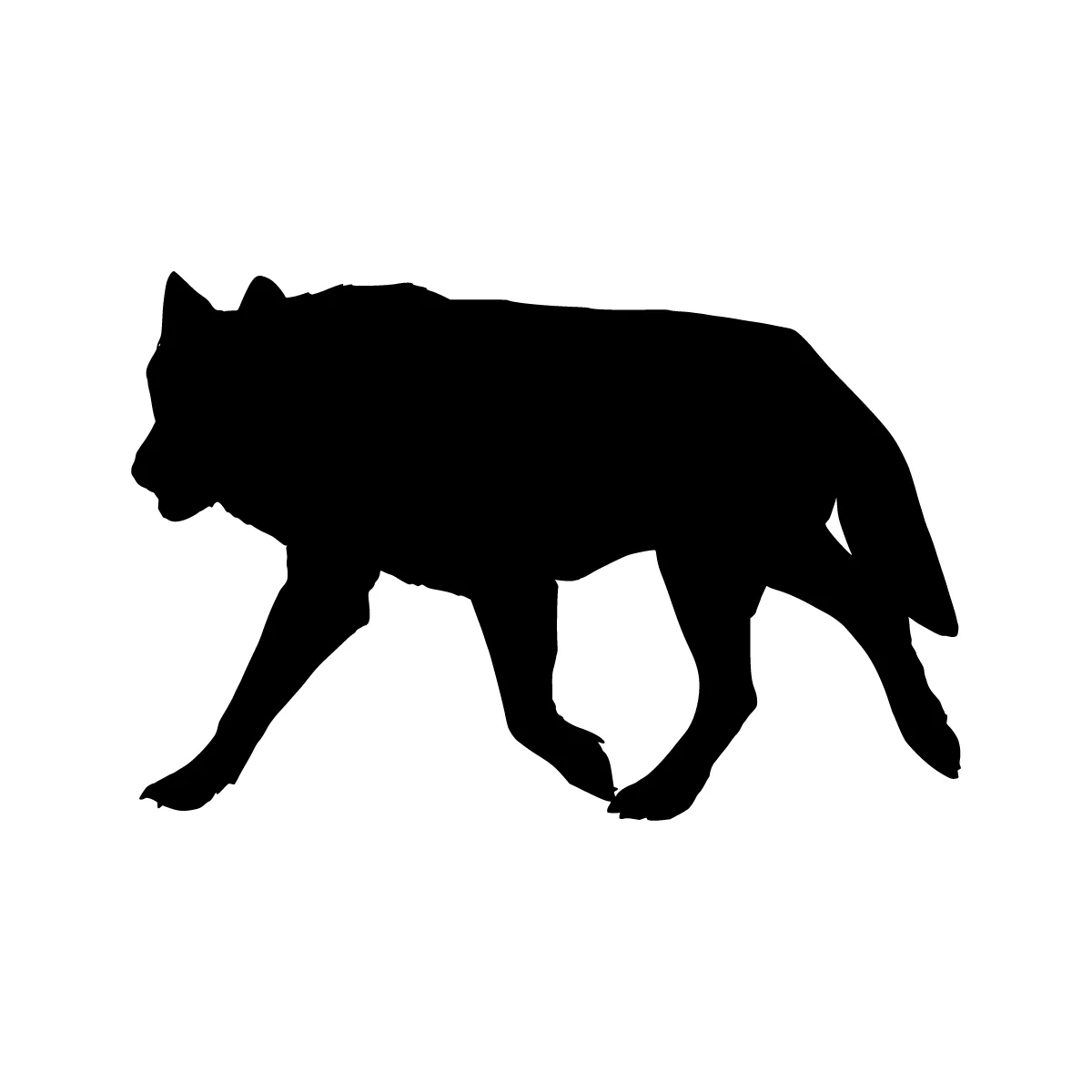 Your shapeYour words
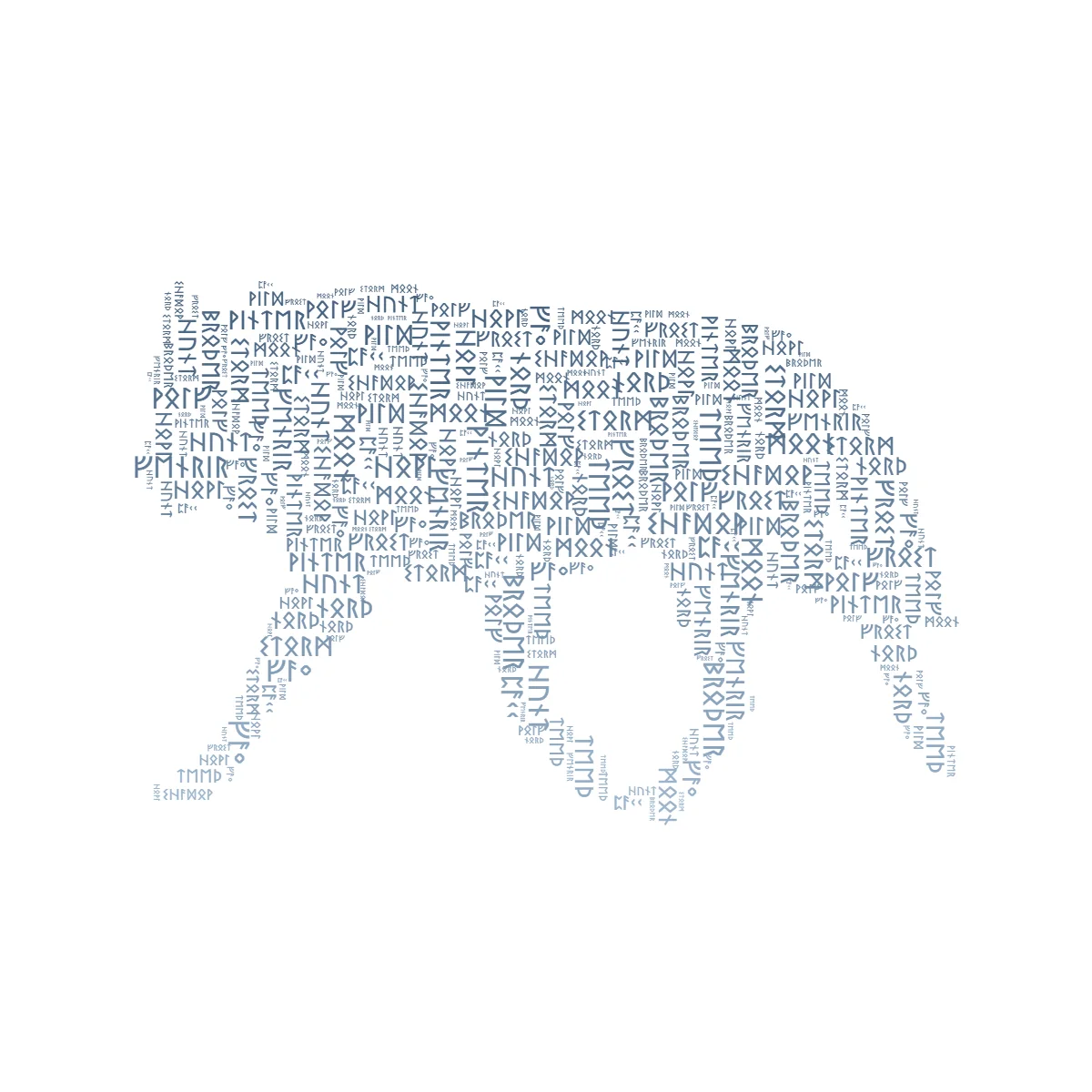
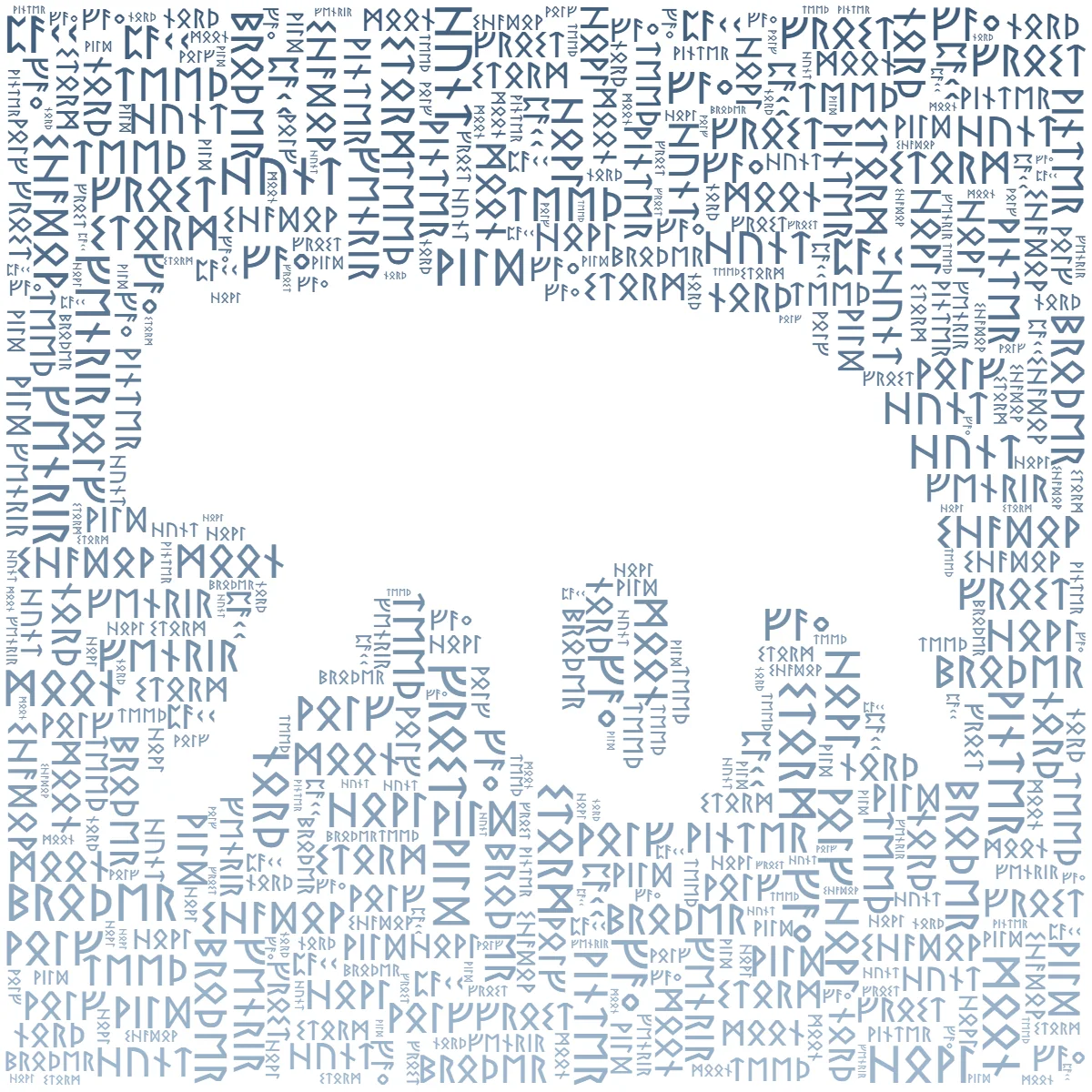
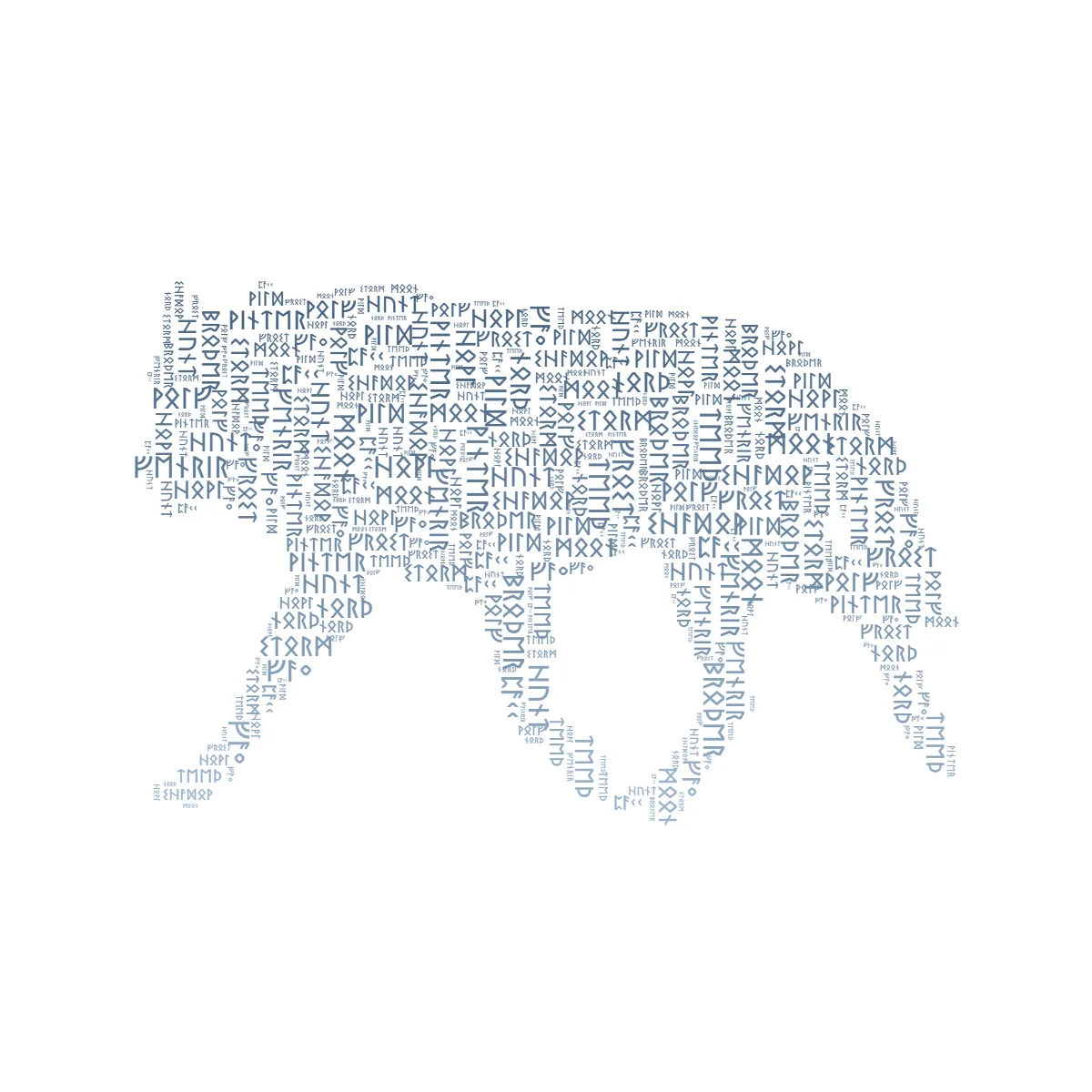
Drag the divider. The same wolf, filled with Elder Futhark runes as packed (a dense word cloud). Real editor output, no AI.
The six scripts
Each one is a real historical writing system with its own Unicode block rather than a decorative font. Pick by the look you are after, and by how well it fits the sounds of your words.
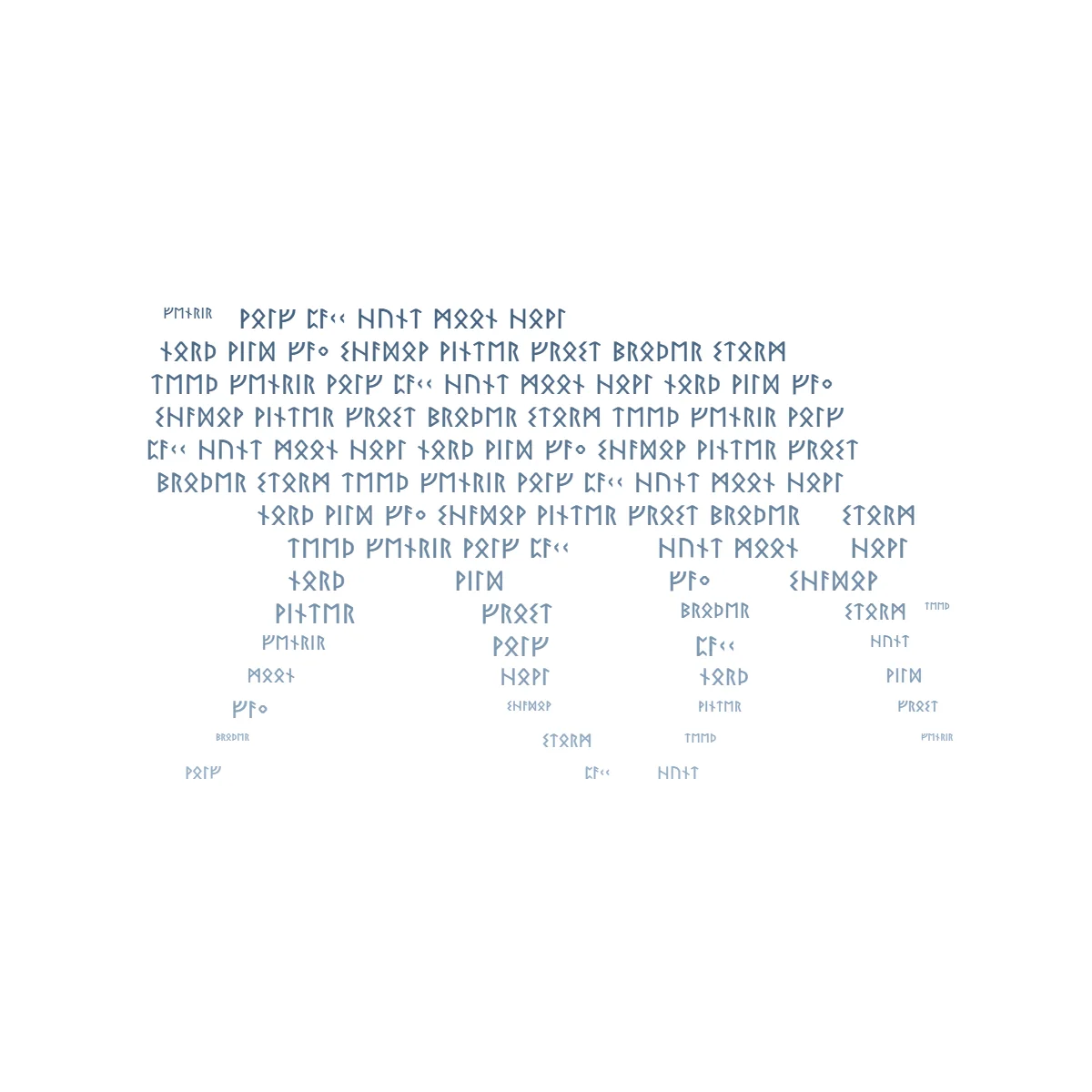
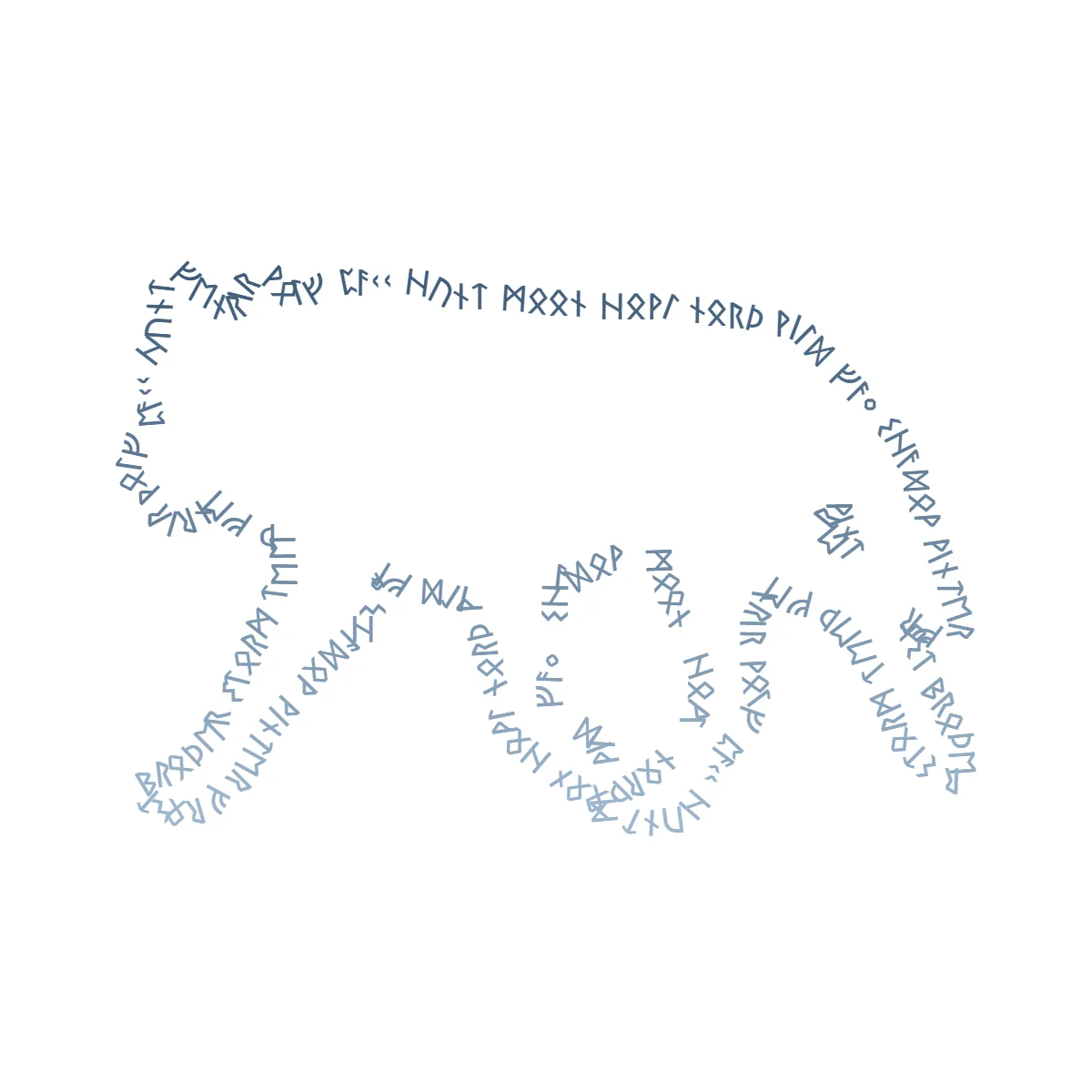
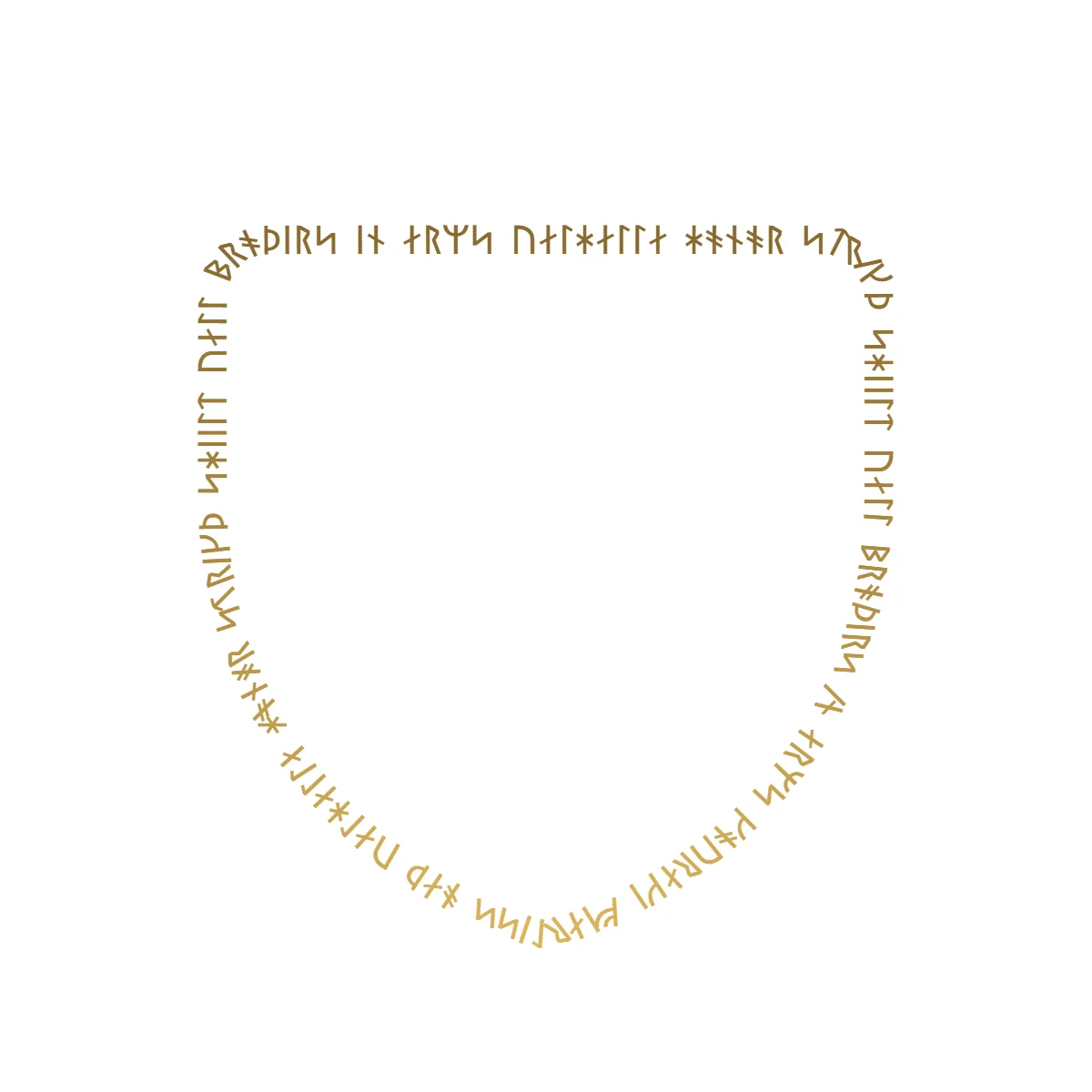
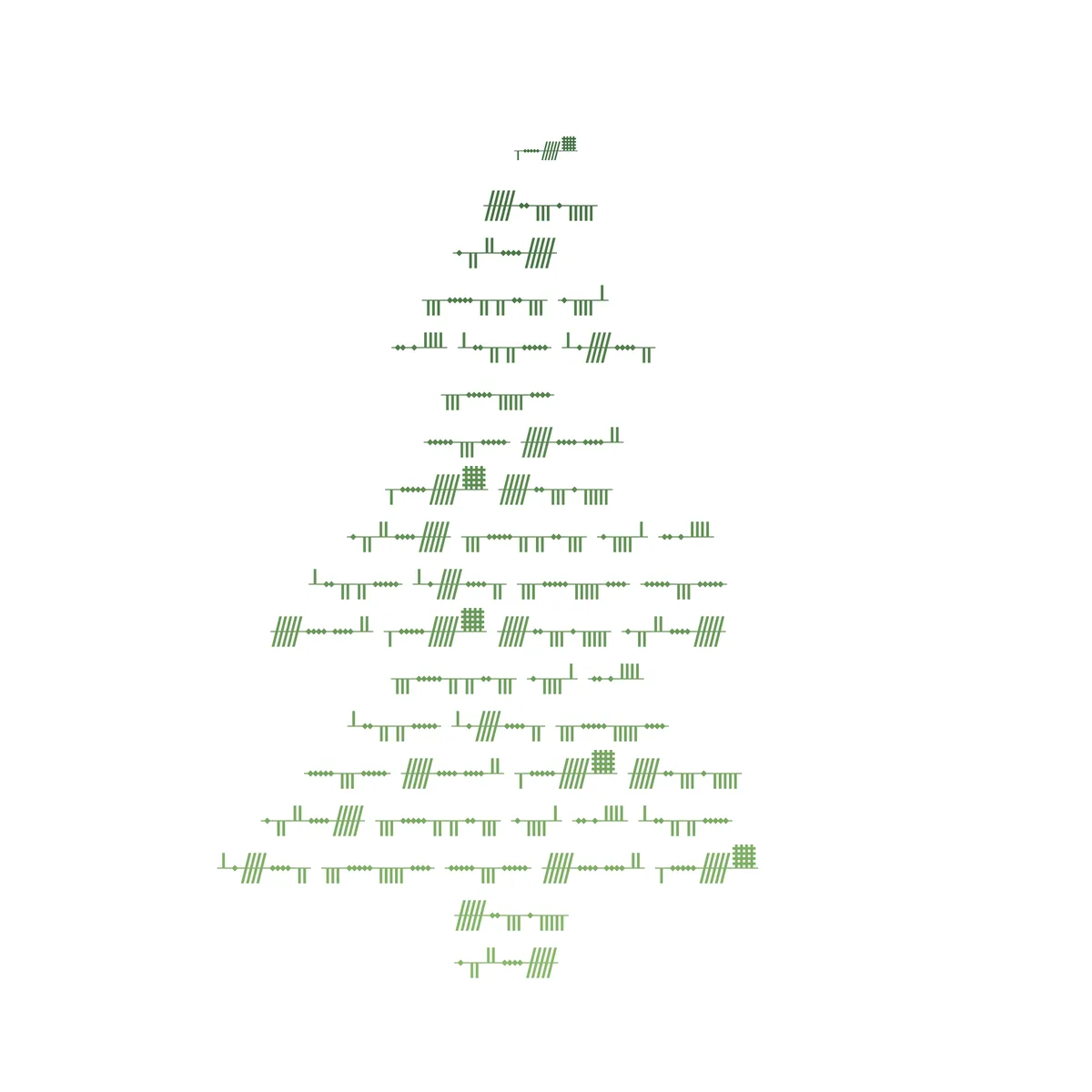
The three fill styles, in runes
Ancient scripts work with every layout the editor has. Each of these came straight out of the editor, so what you see is what the tool actually produces.
How it works
- 1
Type your words normally
Keep using your usual keyboard. Type a name, a date, a line of a saga, whatever the piece is about. You never have to hunt down rune characters or paste them in from somewhere else.
- 2
Switch on Ancient script
In the editor’s Text panel, turn on "Write in an ancient script" and pick one of the six. A live preview shows how your text converts before you commit.
- 3
Choose a shape and a layout
Pick from 366 templates or upload your own silhouette, then choose a layout: readable lines (Flow), a dense fill (Packed), or words tracing the edge (Outline).
- 4
Export it
PNG up to 4K with an optional transparent background, SVG for cutting machines, or an animated MP4 or GIF. You never need an account, and nothing comes out watermarked.
Rune reference chart
Every letter, in every script the editor can write. Each chart is generated from the same registry that does the converting, so what you see here is what lands on the canvas. Read the caveat underneath before you take any of it to a tattoo artist.
Elder Futhark
The classic 24-rune Norse runerow (Proto-Germanic).
In use: ᚦᛖ ᚲᚢᛁᚲᚲ ᛒᚱᛟᚹᚾ ᚠᛟᚲᛊ
“the quick brown fox”
Letter pairs: th → ᚦ, ng → ᛜ
Younger Futhark
Viking-Age 16-rune row — sparser, more stylised.
In use: ᚦᛁ ᚴᚢᛁᚴᚴ ᛒᚱᚬᚢᚾ ᚠᚬᚴᛋ
“the quick brown fox”
Letter pairs: th → ᚦ, ng → ᚴ
Anglo-Saxon Futhorc
Old English runes — the fullest fit for English.
In use: ᚦᛖ ᛢᚢᛁᚳᚳ ᛒᚱᚩᚹᚾ ᚠᚩᛉ
“the quick brown fox”
Letter pairs: th → ᚦ, ng → ᛝ, ea → ᛠ, ae → ᚫ, oe → ᛟ
Old Italic (Etruscan)
The ancient Italic alphabet Latin grew from.
In use: 𐌈𐌄 𐌒𐌖𐌉𐌂𐌊 𐌁𐌓𐌏𐌅𐌍 𐌚𐌏𐌗
“the quick brown fox”
Letter pairs: th → 𐌈, ph → 𐌘, kh → 𐌙, ch → 𐌙
Gothic (Wulfila)
Ulfilas’s 4th-century Gothic script (not blackletter).
In use: 𐌸𐌴 𐌵𐌹𐌺𐌺 𐌱𐍂𐍉𐍅𐌽 𐍆𐍉𐍇
“the quick brown fox”
Letter pairs: th → 𐌸, hw → 𐍈, hv → 𐍈, qu → 𐌵
Ogham (Celtic)
The Celtic stemline script — best at large sizes.
In use: ᚈᚆᚓ ᚊᚗᚉᚉ ᚁᚏᚑᚃᚅ ᚃᚑᚙ
“the quick brown fox”
Letter pairs: ng → ᚍ, ea → ᚕ, oi → ᚖ, ui → ᚗ, ia → ᚘ, ch → ᚙ
Exports as PNG and SVG, but its strokes are too thin to cut as vinyl.
How accurate this actually is
Runerows are smaller than the English alphabet, so no tool can map English onto them exactly. Several letters end up sharing a rune and some letter pairs collapse into one. What comes out is a faithful phonetic approximation rather than a transcription a scholar would sign off on.
For artwork that is completely fine. If the design is heading for skin or stone, have someone who reads the script check the wording first. Most rune sites skip that part.
What people make with it
Norse-themed posters and band artwork, a family name set into a shield or a raven, gift prints for a Viking-obsessed friend, tattoo mockups to take to an artist, D&D and fantasy handouts, and cut vinyl for mugs, laptops and van windows.
The scripts work with everything else in the tool, so a rune design can still use a color palette, a gradient, per-word sizing, or the animated reveal. If you want the plain-Latin version of all this, start at the word art generator.
Rune word art questions, answered
Are these real runes, or a rune-style font?
Real runes. TextShape converts your letters into genuine Unicode codepoints from the Runic, Old Italic, Gothic and Ogham blocks, then renders them with open-licensed Noto script fonts. That matters more than it sounds. Because the output is real characters rather than a Latin alphabet in a rune costume, it survives everything else the tool does with it, including the glyph-outline SVG export that cutting machines need. A lookalike font falls apart the moment you convert it to outlines.
Is the transliteration historically accurate?
It is a phonetic approximation, deliberately. Historical runerows hold fewer runes than English has sounds, so there is no clean one-to-one mapping to work from. Several letters end up sharing a rune, and a couple of letter pairs collapse into one character. Younger Futhark is the sparsest of the six, so it loses the most. For artwork none of that matters. If the piece is going to be a tattoo or an engraving, get the wording checked by someone who reads the script before you commit to it.
Which script should I choose for English words?
Anglo-Saxon Futhorc fits English best. It was used to write Old English, so it covers more English sounds than the others do. Elder Futhark is the set most people picture when they say "Norse runes", and it is the usual pick when the look matters more than the phonetics. Younger Futhark is the Viking-Age row and reads as the most stylised of the three. Old Italic and Gothic are there if you want something that is not Norse at all, and Ogham is a Celtic stemline script rather than a runerow.
Can I cut rune word art on a vinyl or laser cutter?
Mostly yes. The runic rows, Old Italic and Gothic all weld into clean, connected shapes and export through the SVG cut path fine. Ogham is the exception: its glyphs are short strokes hanging off a long central stemline, which does not survive being cut as vinyl. The editor flags this for you rather than letting you find out at the cutter, and Ogham still exports normally as PNG or standard SVG.
Guides
Plain-English tutorials for getting the most out of the editor.
How to Put Text Into a Shape: Free Word Art From Your Own Words
Put your text into any shape, free in your browser. Fill a heart, an animal, or your own image with your own words, pick a readable or word-cloud look, color it, and download a 4K PNG. Follow one birthday example from blank shape to finished print.
Read→TutorialBest Fonts for Text Art: A Typography Guide
The best fonts for word art are heavy, even-weight faces; fine scripts fade when words shrink. A hands-on guide to choosing among the fonts TextShape ships, with the same words shown in a script and a bold face so you can see the difference.
Read→ComparisonFlow vs Packed vs Outline: Three Ways to Fit Text Into a Shape
The one setting that changes your word art most. See the same star, same words, in all three fill styles (Flow, Packed, and Outline) — three different ways to fit text into a shape, what each is best at, and how to choose.
Read→TutorialEvery Way to Export Word Art: PNG, SVG, MP4, GIF (Free)
Every file TextShape exports, in one guide: transparent PNG up to 4K, real vector SVG with a cut mode for Cricut and Silhouette, and the animated MP4 or GIF reveal. All free, no watermark, no account.
Read→Write something in runes
Free, instant, and yours. No signup, no download, no watermarks.
Open Editor