
The point of making word art is leaving with a file you can actually use. TextShape hands you four kinds: a high-resolution PNG for prints and posts, a real vector SVG that a Cricut can cut, and an animated reveal of your design as an MP4 or a GIF. Every one of them is free, with no watermark and no account. Here is every way to export word art from TextShape: what each format is best at, and where it falls short.
One thing to know before the tour: your design never goes anywhere to be exported. The file is drawn in your browser, on your device, from the layout you see in the preview. That matters for privacy (the words never touch a server), and it matters for fidelity, since the export redraws the layout you approved at the new size.
Word art export formats at a glance
| Format | What you get | Best for |
|---|---|---|
| PNG | A pixel image, transparent or on a background, from social presets up to 4K or a custom size to 8000px | Prints, framed gifts, posts, wallpapers |
| SVG | Real vector letter outlines that scale to any size | Cutting machines, laser engraving, editing in Illustrator or Inkscape |
| MP4 | A 1080px video of your words building the shape | Reels, TikTok, Shorts, a video birthday card |
| GIF | The same reveal as a small looping GIF | Chats and forums, anywhere a video will not paste |
All four live in one place: the Export button in the editor, which opens a panel with Image, Animation, and Vector tabs.
Transparent PNG word art: up to 4K on any background
The Image tab exports your design as a PNG on a solid color, over your original photo (faded with an opacity slider so it sits quietly behind the text), or as a transparent PNG, genuinely see-through, so the words float cleanly over whatever you place them on later. Transparent PNG word art is the version print-on-demand services want for stickers, shirts, and mugs.
For size, there are one-click presets named for where the file is headed: Instagram Post (1080×1080), Instagram Story (1080×1920), Twitter Post (1200×675), Facebook Cover (1640×624), HD (1920×1080), and 4K (3840×2160). If none of those fit, Custom takes any width and height from 100 up to 8000 pixels. Keep the aspect-ratio lock on and the height follows the design's proportions; unlock it and you choose how the art meets an odd frame. Fit pads around the design, Crop fills the frame and trims what overflows, and Stretch squashes it to fit exactly (a packed word-cloud layout keeps its proportions, so for those designs Stretch behaves like Fit).
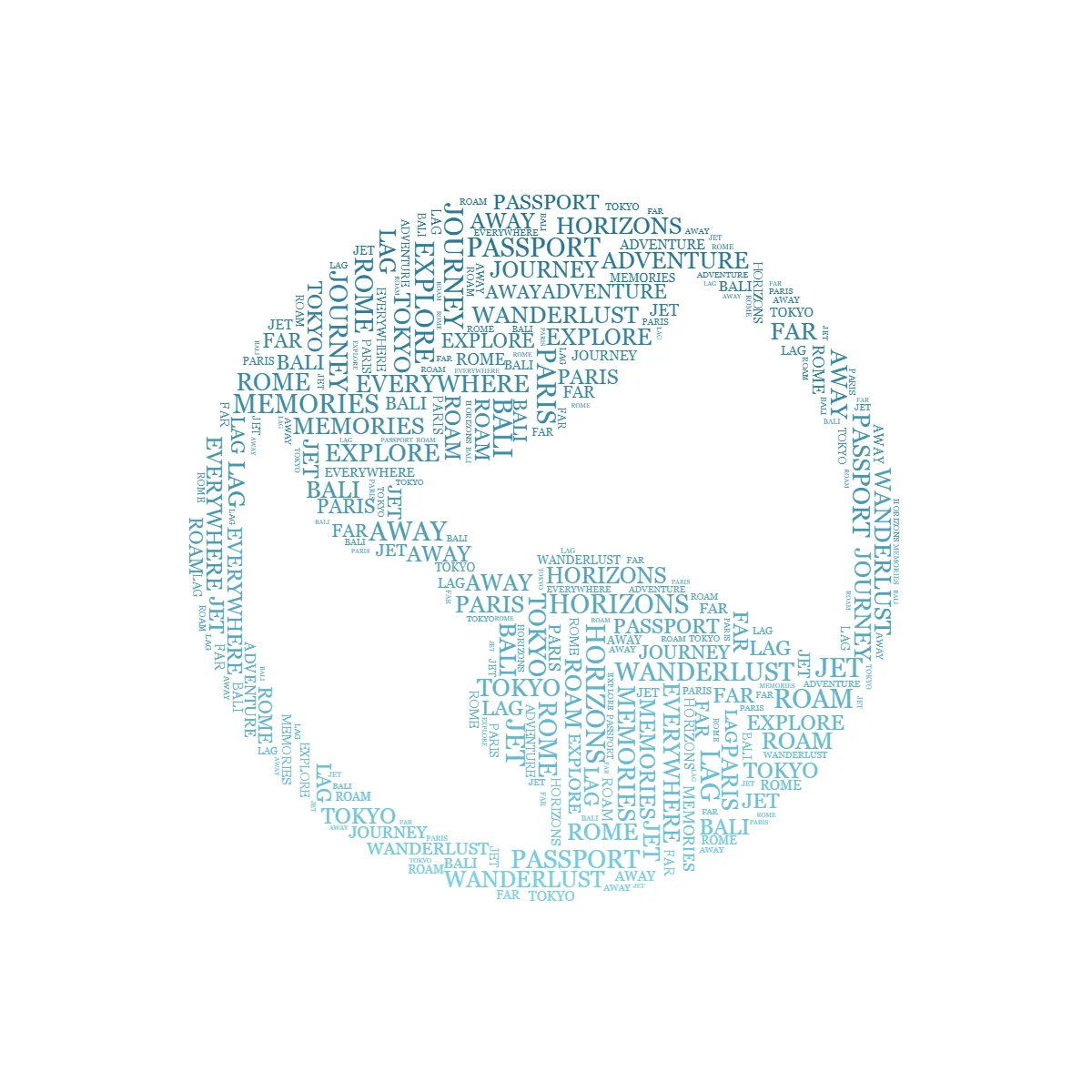
Ctrl+S (Cmd+S on a Mac) starts the PNG download from anywhere in the editor, with a quick summary card confirming the size before the file lands; I hit it without thinking now. The size readout under the download button always shows the exact pixel dimensions you are about to get.
If the file is headed for paper, size it generously; the 4K preset prints a sharp A3. Print sizes, DPI, and framing have their own home in the printing section of the gift guide.
SVG word art: real vector letters
A PNG is pixels, and pixels run out. The Vector tab exports your design as an SVG in which every word has been converted to true letter outlines, the actual glyph shapes of the font you chose. Scale it to a business card or a billboard and the letter edges stay crisp. The word art SVG opens in Illustrator, Inkscape, and any other vector editor, with each word as its own path in its own color, or flattened to a single color if you prefer. Width can be set in pixels, inches, centimeters, or millimeters.
Some things do not survive vectorizing. An image background cannot come along, so the SVG exports without one. The esoteric symbol sets only exist as pixels, so they are left out too, and heavily styled headlines keep their shape but trade effects like glow and gradient for a solid fill. When a system font like Georgia appears in your design, the SVG substitutes a free lookalike (width-matched where one exists) and tells you it did.
SVG for Cricut and Silhouette: cut mode
Cutting machines have opinions. A file that looks fine on screen can be miserable to cut: overlapping letters become slivers, and tiny words become vinyl confetti you will be picking at with a weeding tool (weeding is peeling away every scrap of vinyl that is not the design). Cut mode exists so the file that comes out is one a machine and your patience can handle.
Turn on "Cut mode (Cricut / Silhouette)" in the Vector tab. Everything becomes one ink color. Overlapping letters weld into single continuous shapes, so the blade cuts an outline once instead of criss-crossing strokes. Any word that would come out smaller than about 4 millimeters is left out entirely, because below that size vinyl stops being weedable. And the width is set in real-world units, since a cutter needs to know the physical size. The one script cut mode refuses is Ogham, the ancient Irish stroke alphabet; its hairline strokes cannot weld into a cuttable shape, though a regular SVG carries it fine.
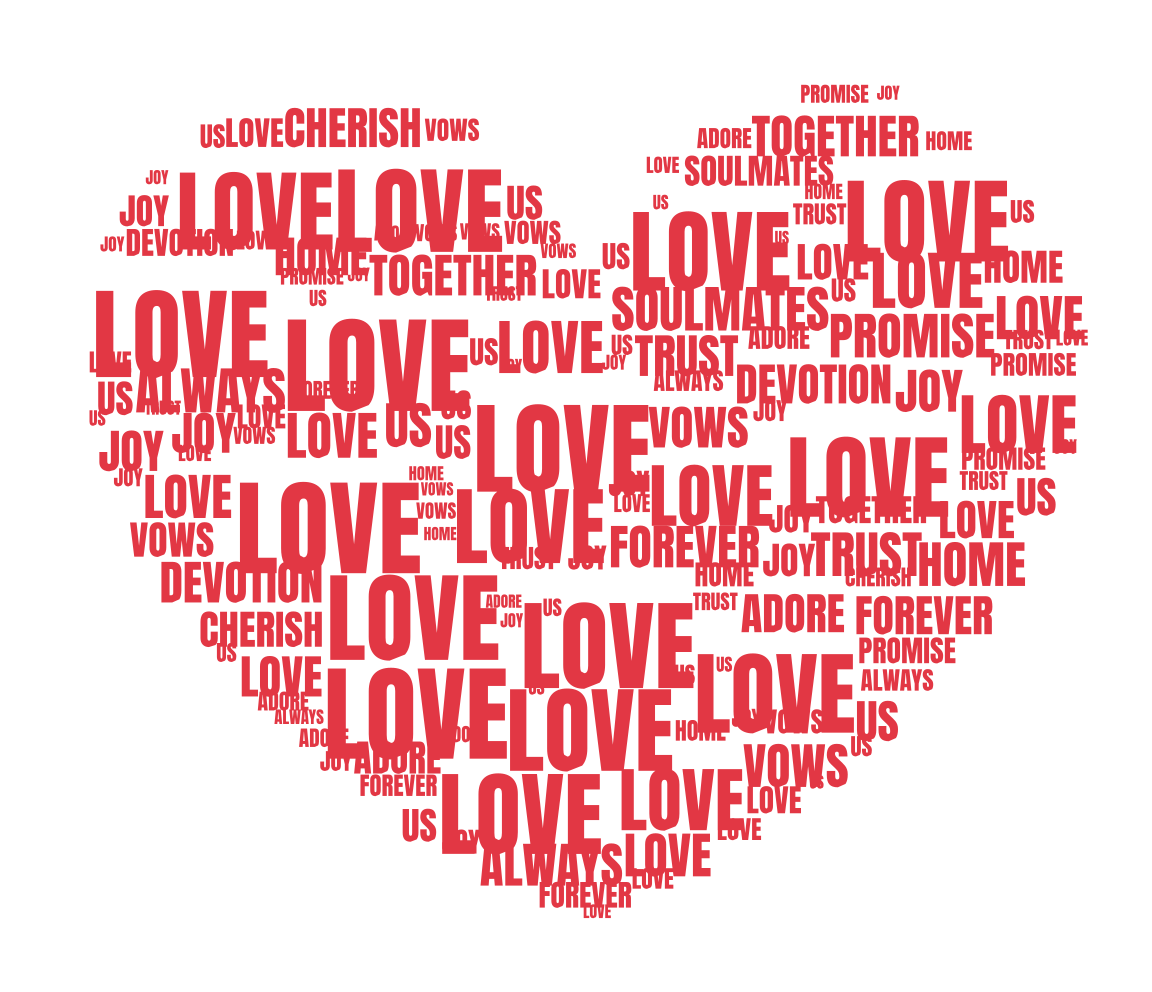
The heart above is the export itself; I dropped the file straight into this page, untouched. A shaped word cloud SVG like this imports into Cricut Design Space ready to cut (Silhouette Studio opens SVG with its Designer Edition), so a Cricut word art decal goes from export to cutting mat without redrawing anything. The same file doubles as an engraving file for a laser. WordArt.com puts SVG downloads on its paid plan (the full WordArt.com comparison covers the details); here the vector file is simply one of the export tabs.
Animated word art: the MP4 and GIF reveal
The Animation tab turns your finished design into a short video of the words arriving. Three reveal styles: Pop scales each word in, biggest first, and Rise floats words up as they fade in. Read brings the text on line by line in reading order, which suits a verse or a quote; it appears when the design uses the Flow layout, where text fills the shape in readable lines. Clips run four, six, or eight seconds, ending on a brief hold of the finished piece.
The MP4 comes out at a 1080 pixel long edge and 30 frames per second, sized for Reels, TikTok, and Shorts. The GIF is for everywhere else: 540 pixels, your pick of 10, 15, or 20 frames per second, and it loops forever, which makes it the right file for a group chat or a forum where video embeds poorly. The video is rendered frame by frame from your actual layout, so the reveal ends on precisely the design you made. In the rare browser that cannot encode video at all, the editor says so and offers the GIF instead. The MP4 also works as a surprise, a birthday reveal that assembles itself in someone's messages; more framings like that are in the text art ideas for social media.
One limit: video has no transparency, so a transparent background renders as white in the animation.
Copy, paste, and share
The copy button next to the download (or Ctrl+Shift+C) puts the finished PNG on your clipboard with no file involved, ready to paste into a slide, a document, or a chat. On phones that support it, a share button hands the image straight to your device's share sheet. And if a piece came out well, you can offer it to the public gallery, where it appears after a quick review. A gallery submission sends the image and a remix link that reopens your words and settings in the editor, so pick pieces you are happy for others to remix.
Which export for which job
- A framed print or a poster: PNG at 4K, or a Custom size if the frame is unusual, then the print guide for paper and DPI.
- A vinyl decal, an iron-on, or a laser engraving: the cut-ready SVG.
- An Instagram story: the 1080×1920 preset, or the MP4 reveal if it should move.
- A birthday message in the group chat: the GIF.
- Stickers and print-on-demand products: transparent PNG.
- More design work in Illustrator or Inkscape: the regular SVG, with every word editable.
My own default is the transparent PNG, because it goes anywhere later. But all of it comes from the same free editor, and none of it asks for an account. If you have not built anything to export yet, the how to make word art guide takes you from a blank shape to a finished design, and the free word art generator is where every one of these files starts.